Find and save
Search available sources or import a notice. Keep bookmarks separate from notices with past deadlines.
GovConIntell
Staging previewBring your opportunity shortlist, source documents and bid-preparation steps into one workspace.
Clerk sign-in · browser access · test-mode payments
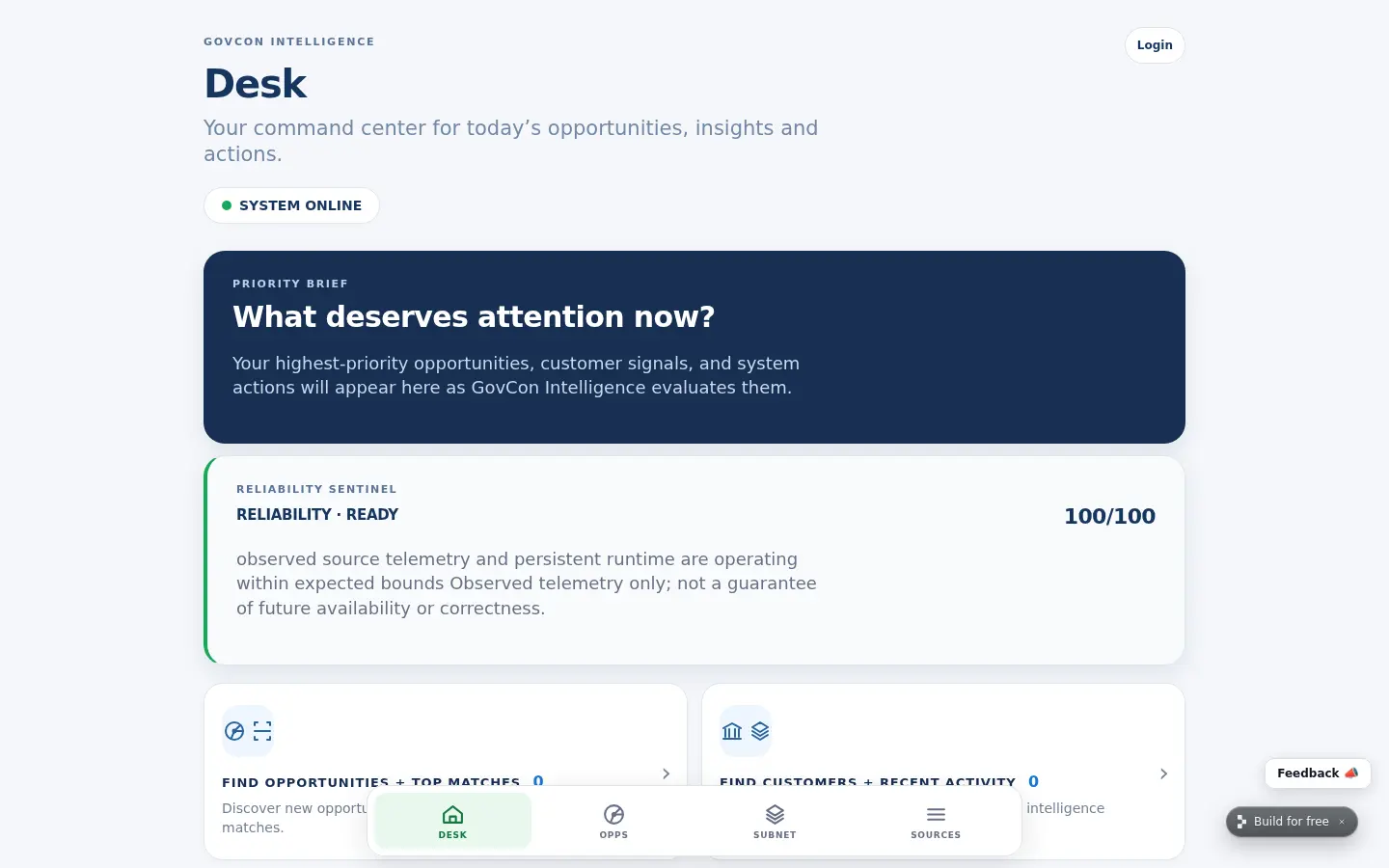
Search available sources or import a notice. Keep bookmarks separate from notices with past deadlines.
Open a capture workspace, upload the solicitation, and work through candidate requirements and supporting evidence.
Record your review and download a draft package when the preparation checks and plan access allow it.
Before you open
The public launch address is ready. The working application remains a staging preview.
Not yet. The preview runs in an isolated staging environment and Stripe payments use test mode. This page does not start a subscription or charge a card.
Use Clerk sign-in in the staging application. Your existing staging company profile remains in that environment.
Six source integrations are configured, but availability differs by provider. Check Sources inside the preview for retrieval health, coverage and quota information.
The web preview supports phone, tablet and desktop layouts. Native app-store downloads are not published here yet.
On your devices
Use the available web preview on your computer, tablet or phone. App Store and Google Play download links will appear here once verified listings are published.